Tag: Holographic

  • World’s First Interactive 3D Holographic Display

    World’s First Interactive 3D Holographic Display

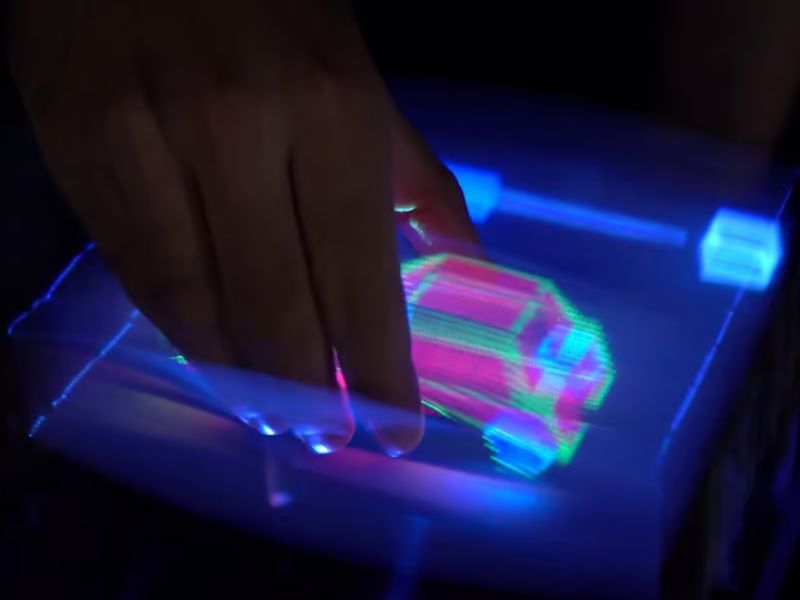
    A user is able to “grab” the car hologram and manipulate it
    Public University of Navarra

    Remember that scene in Iron Man 2 where Tony Stark manipulates virtual 3D elements with his hands—moving, pinching, swiping, and tossing holograms through the air? That felt futuristic in 2010. But what about 2025?

    While we’re not quite at Stark-level tech just yet, a team of Spanish engineers has made a big leap in that direction by creating the world’s first 3D hologram that you can actually touch and interact with.

    The Challenge of Interacting with Traditional Holograms

    Typically, holograms are created using swept volumetric displays, where images are projected at different heights almost 3,000 times per second onto a fast-moving surface called a diffuser. This creates a 3D image visible to the naked eye, no glasses or headsets required. The problem is, if you try to interact with one, you could injure yourself or damage the device.

    Paper | FlexiVol: Reach-Through Volumetric Display with Elastic Diffusers

    To overcome this, Dr. Elodie Bouzbib of the Public University of Navarra and her team came up with a clever solution: elastic diffuser strips.

    It sounds simple, but the team tested a variety of materials—everything from projector screen fabric to silicone—looking for the perfect combination of elasticity, durability, and optical quality. They eventually settled on something similar to regular elastic bands (though they didn’t disclose the exact type), and named the system FlexiVol.

    Interacting with Holograms Using Familiar Gestures

    With FlexiVol, users can control and manipulate holographic objects using gestures similar to those used on a touchscreen—swipe, tap, rotate, pinch, and more.

    A user safely interacting with the FlexiVol volumetric display machine
    Public University of Navarra

    Traditionally, interacting with a hologram or 3D space required a complex 3D mouse—accurate, yes, but far from user-friendly.

    To prove FlexiVol’s effectiveness, the researchers conducted three tests with 18 participants, comparing the system to a 3D mouse in tasks like selecting objects, tracing shapes, and docking (placing one object inside another).

    Participants were much faster at selecting with their fingers than with the 3D mouse. Tracing took about the same time for both methods, but FlexiVol produced significantly more accurate paths. In the docking task, FlexiVol clearly outperformed the mouse thanks to its intuitive “grab and place” interaction.

    Next Steps: Improving FlexiVol with Advanced Technologies

    Despite the small test group, the results were promising: 94% of users felt more confident in their completion times, and 67% believed they were more accurate using FlexiVol over the 3D mouse. Participants described the experience as more natural, more precise, and less frustrating.

    Dr. Bouzbib says she plans to improve the system further with technologies like focused ultrasound or conductive threads to simulate haptic feedback—although many already find the tactile sensation of the elastic bands quite convincing.

    FlexiVol -a Volumetric Display with an Elastic Diffuser to Enable Reach-Through Interaction (15 min)

    Read the original article on: New Atlas

    Read more: 3D Printing Can Currently Fabricate Customized Sensors For Robots, Pacemakers, And More
  • Looking Glass Holographic Displays Can Now Play Videos Directly From your iPhone

    Looking Glass Holographic Displays Can Now Play Videos Directly From your iPhone

    Looking Glass, known for its unique screens that showcase 3D holograms without the need for a headset or glasses, has introduced iOS support. This update allows users to view Cinematic Mode videos, custom apps, and 3D content from their iPhone or iPad directly on the display, eliminating the need for a high-powered desktop for processing.
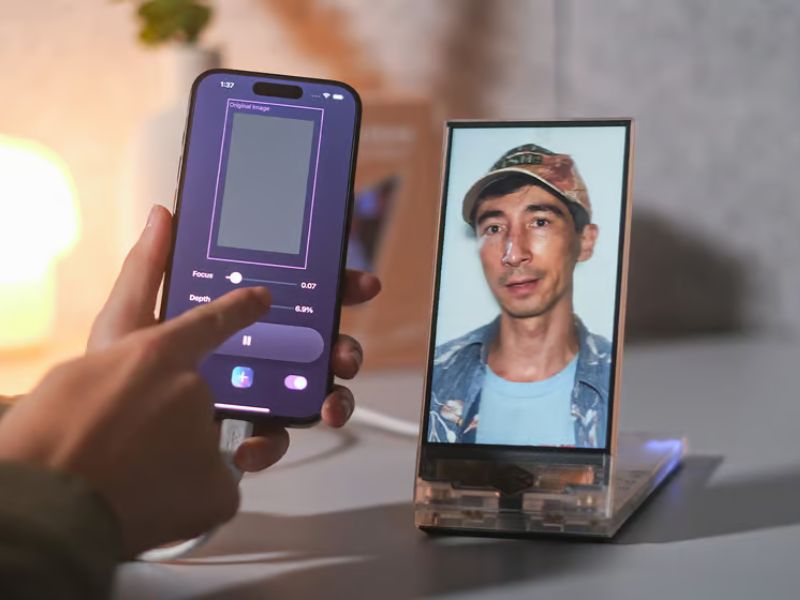
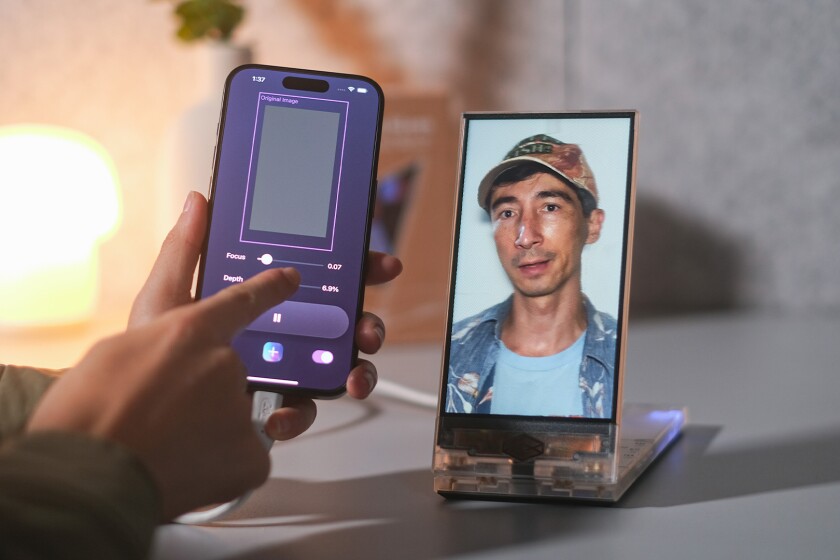
    You can show off Cinematic Mode videos from your camera roll in 3D holograms via a Looking Glass display, straight from your iPhone
    Looking Glass

    Looking Glass, known for its unique screens that showcase 3D holograms without the need for a headset or glasses, has introduced iOS support. This update allows users to view Cinematic Mode videos, custom apps, and 3D content from their iPhone or iPad directly on the display, eliminating the need for a high-powered desktop for processing.

    Previously, smartphones mainly converted single photos into 3D holograms and transferred them wirelessly to the display. With this update, new iOS tools expand functionality, making the experience more seamless and accessible.

    Hologram Video App Brings Cinematic Mode to Life in 3D

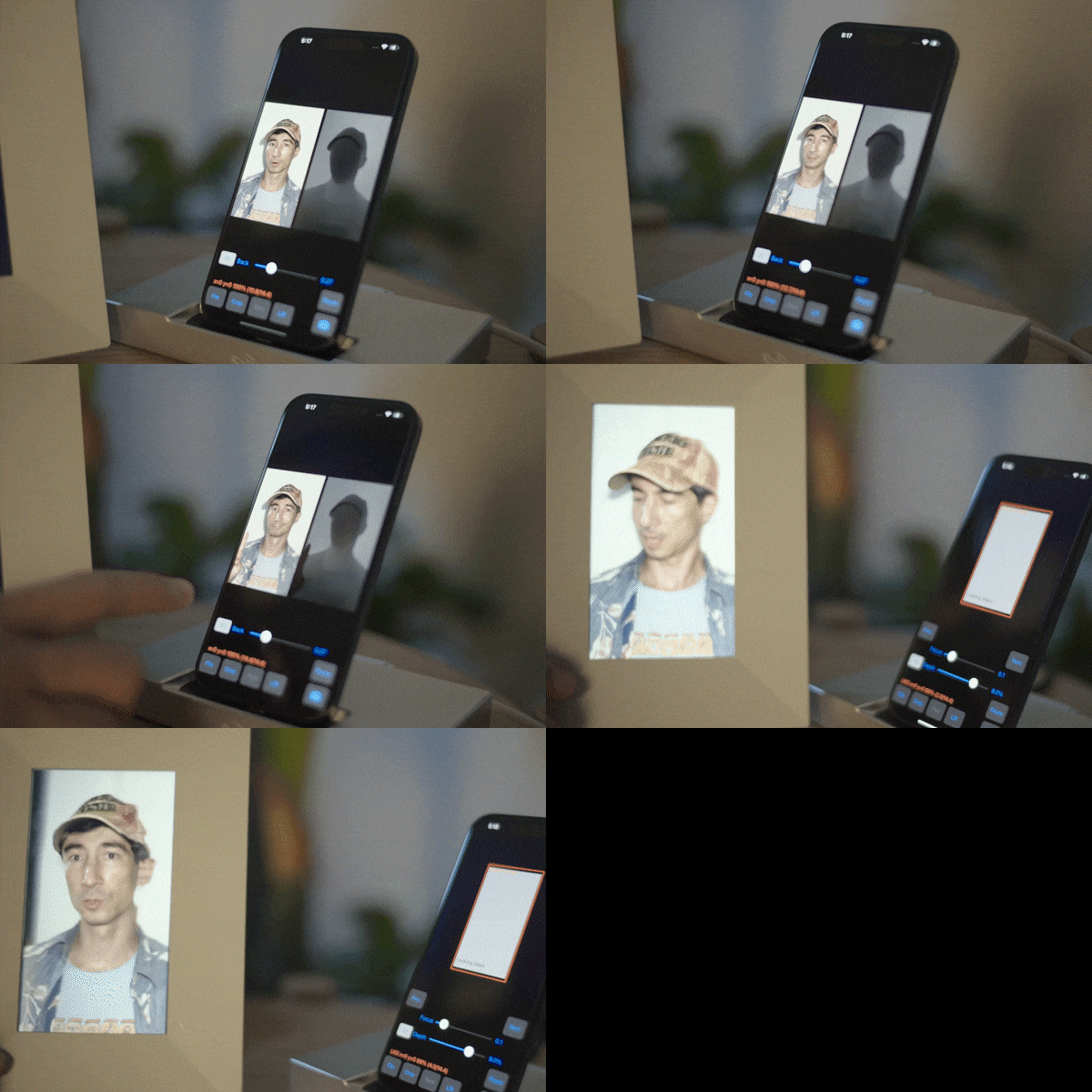
    To begin with, the new Hologram Video app—currently in beta—converts Cinematic Mode videos from your iPhone into realistic holograms. In fact, these videos allow post-capture depth of field adjustments and let viewers watch from multiple angles, making the experience more immersive for individuals or groups.

    Cinematic Mode video from an iPhone on a Looking Glass display
    Looking Glass

    Unity Plugin Now Supports iOS for Seamless Holographic Content Creation

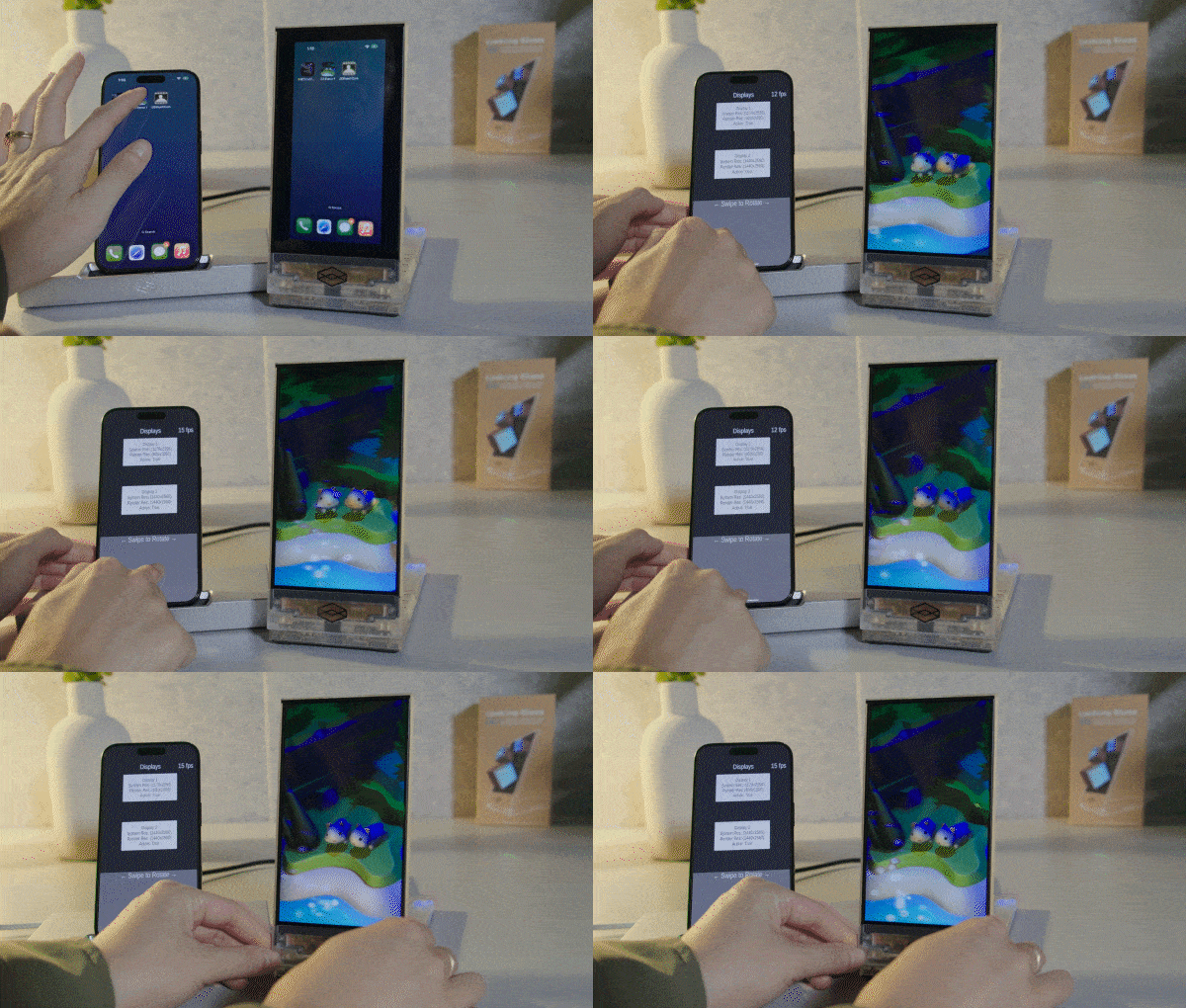
    Additionally, the company’s Unity plugin—used for creating games, apps, and immersive 3D content—now supports iOS. Moreover, this means anything designed in Unity for holographic display can be controlled and streamed directly from an iPhone or iPad. For instance, you could animate a mythical creature wandering through an enchanted forest and showcase it in 3D on a Looking Glass screen.

    The updated Unity plugin lets you run immersive content built in the game engine straight from your iOS device
    Looking Glass

    Demo Apps Showcase iOS Integration with Looking Glass Displays

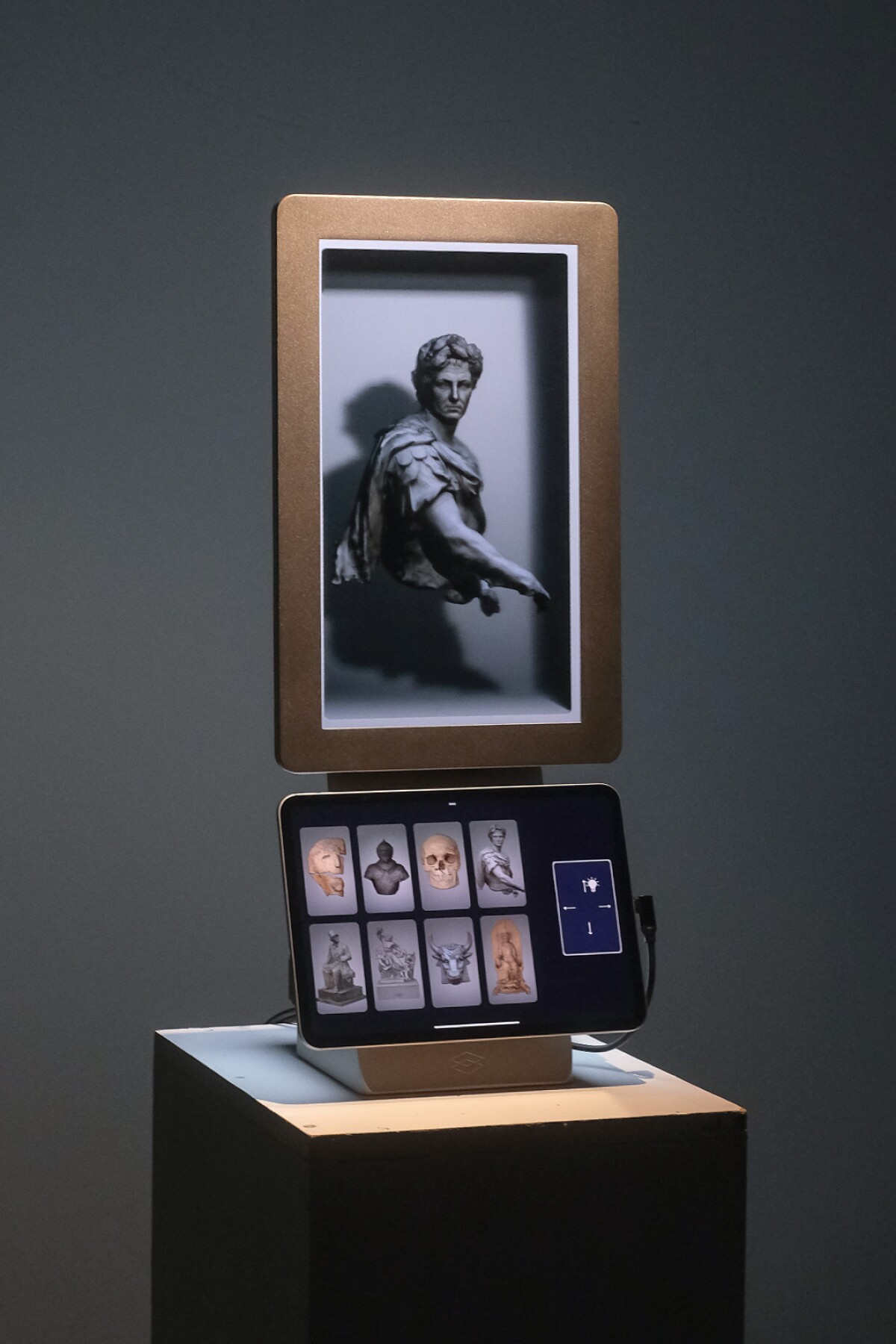
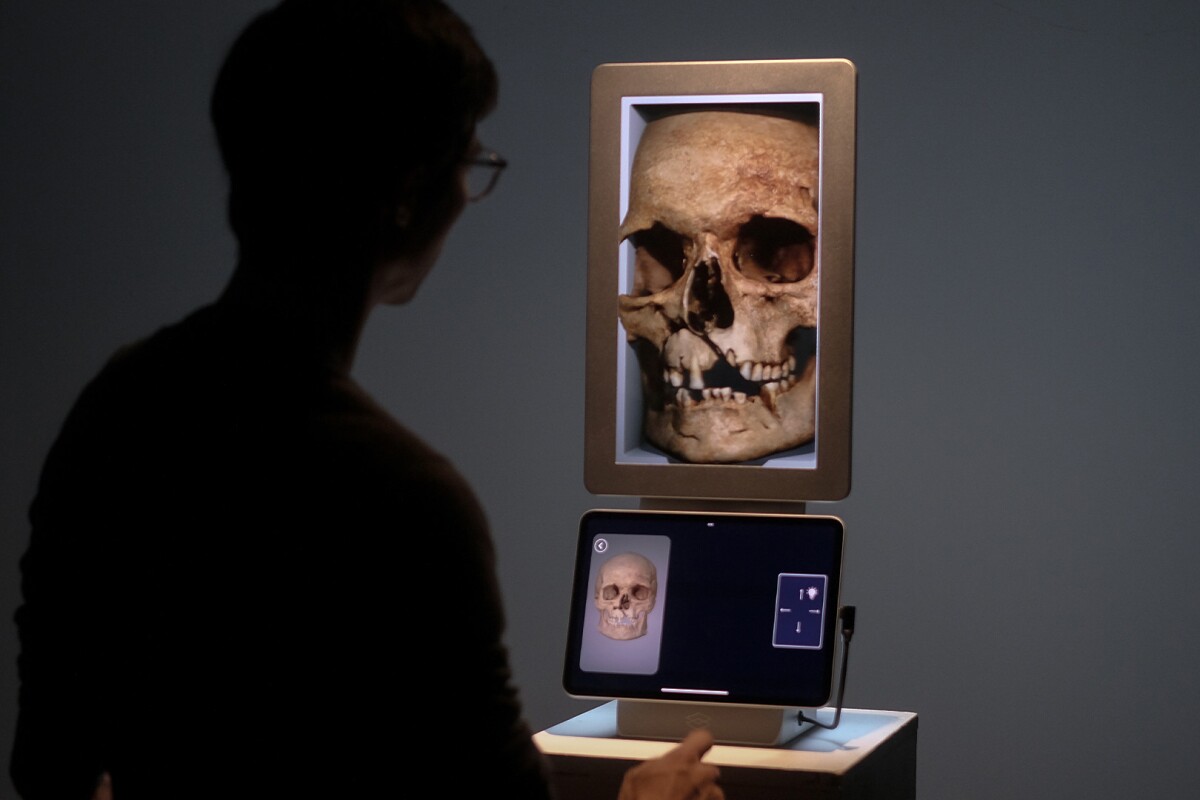
    Looking Glass has developed a few demo apps to highlight the potential of pairing iOS devices with its displays. One app offers a detailed view of 3D scans of historical sculptures and artifacts, making it particularly useful in museum settings. Visitors could interact with iPads next to an exhibit, tapping to rotate and zoom in on the 3D model for a closer look at intricate details and additional information.

    Looking Glass’ iOS-enabled tech could find use in museums, where an iPad can make 3D models available for visitors to get a closer look from various angles
    Looking Glass

    A similar app is being developed for sneaker enthusiasts to explore shoe details in retail stores.

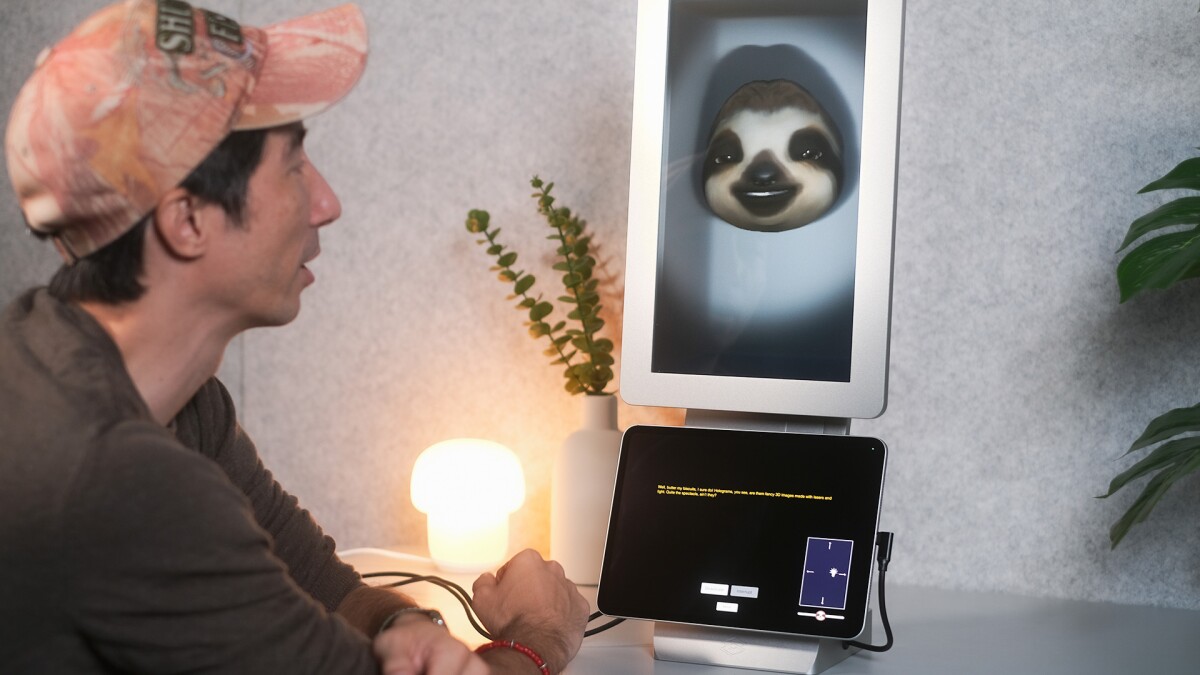
    Looking Glass is also creating 3D Memoji that replicate facial expressions in real time using an iPhone’s camera, along with a tool for visualizing models generated from medical scans.

    An upcoming demo app will use your camera to capture your facial expressions and mirror them on an animated 3D Memoji in real-time
    Looking Glass

    Looking Glass Encourages User-Created Content with New Features

    However, looking Glass aims to inspire more user-created applications and content for its displays. In fact, these new features are compatible with the 6-inch Looking Glass Go ($279) and the 16-inch wall-mountable Spatial Display ($4,000). To access them, users will need an iPhone 15 Pro, Pro Max, or an M4-equipped iPad Pro.

    Looking Glass is working on a demo app for iOS to show 3D models generated from medical scanning data as holograms
    Looking Glass

    Last month, we reviewed the Go and were impressed by how it adds depth to photos and visual content. I’m particularly eager to see these features showcased on one of the company’s large, 65-inch displays, which are available by request.


    Read the original article on: New Atlas

    Read more: Why Did Technology Fail to Prevent the Fatal Air Collision Over Washington?